
Donate
Send your Zakat, Sadaqah or donation by bKash or bank, then submit the transaction ID online.
Step 1
Send money using any method below
Only use the official numbers and bank accounts listed here.
bKash
Merchant account
Merchant account
01872814746- Account name
- Araf Bangladesh
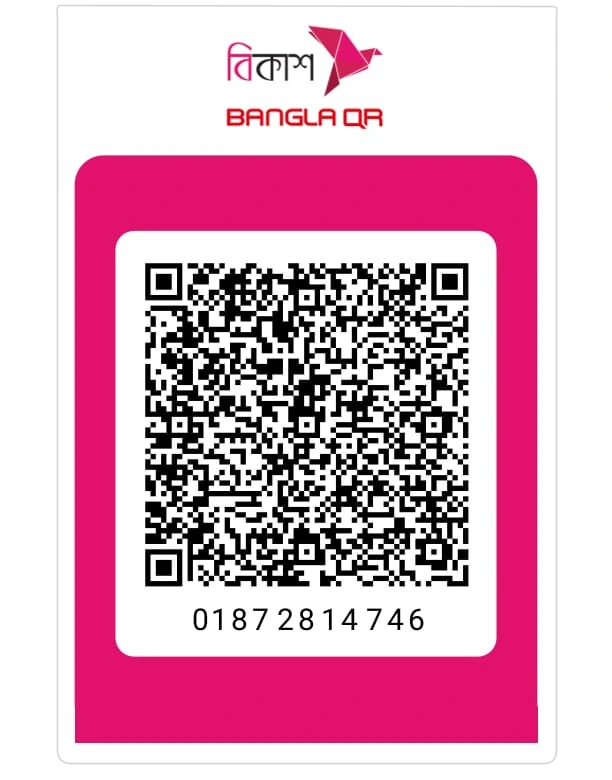
In the bKash app choose "Payment" and enter the merchant number, or scan the QR code.
Then submit the transaction ID (TrxID) using the form below.
Then submit the transaction ID (TrxID) using the form below.
জনতা ব্যাংক পিএলসি
Savings account
Savings account
0100298163394- Account name
- Araf Bangladesh
- Bank
- Janata Bank PLC
- Branch
- Mostofapur Branch, Madaripur
- Branch / routing code
- 0579
Deposit or transfer to this account from any bank, then enter the deposit slip number as the transaction ID in the form.
Step 2
Confirm here after sending
The organisation verifies each donation against its transaction ID.